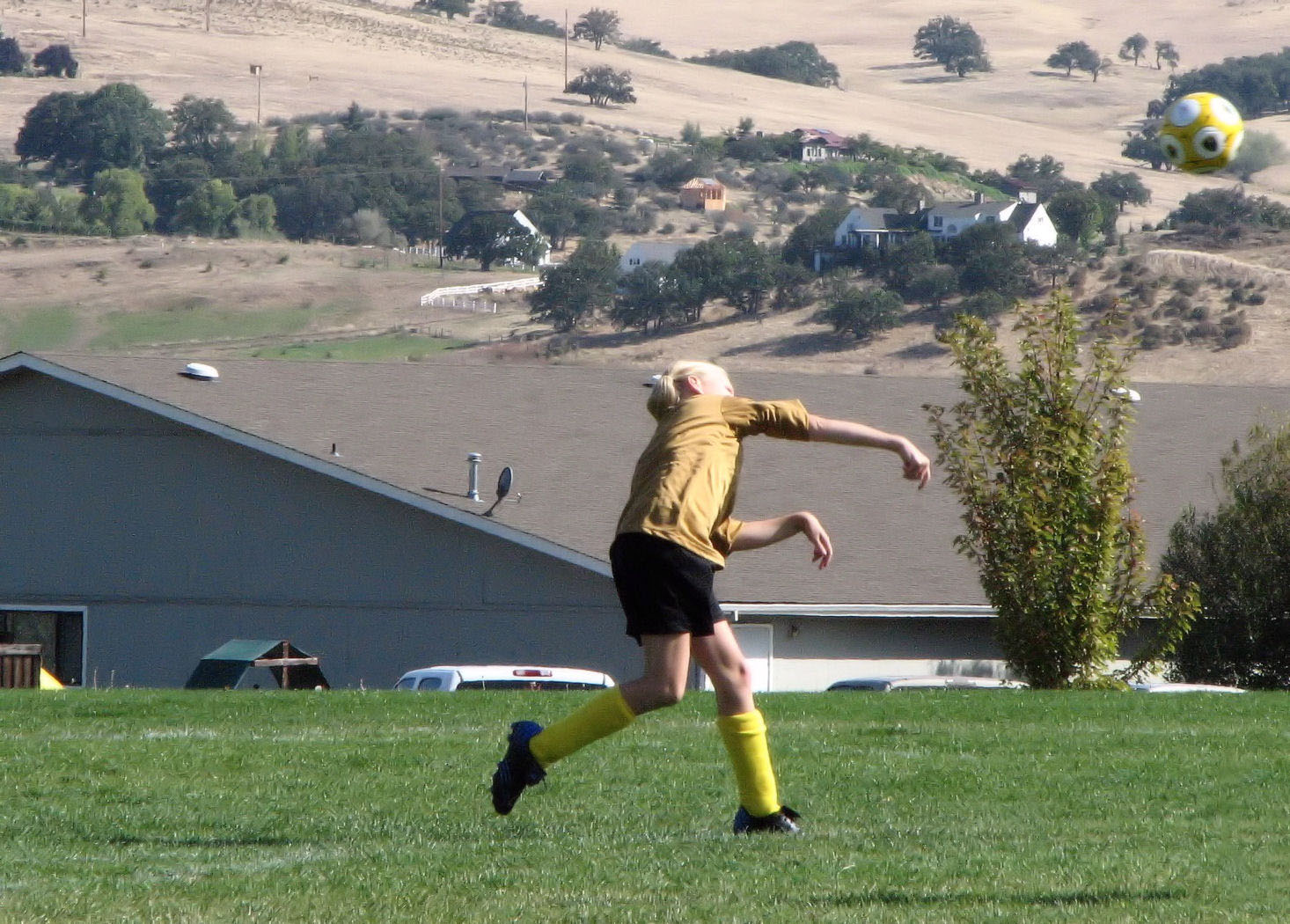
Ashland soccer
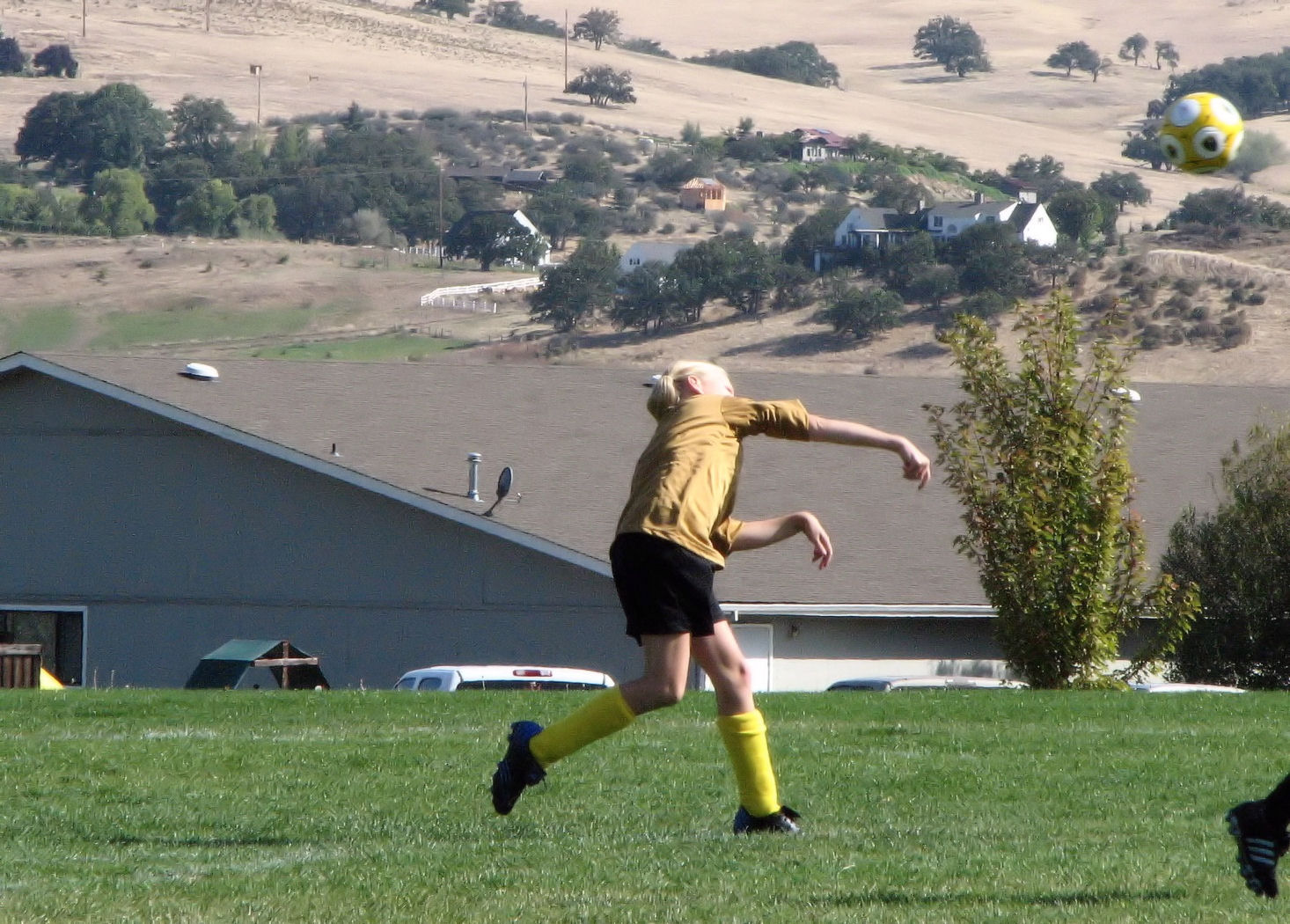
Today’s photo is from the archives. I took this pic of Ellie back in 2007. However, I didn’t like it because it had too much noise. With Corel PaintShop Photo Pro X3 I easily removed most of the noise so now I’m more happy with the picture.
With Adobe Photoshop CS5 Extended I then took the other girl’s foot out of the picture and came up with a slightly better result. To remove an object from an image, after outlining the thing you want removed, select Edit from the menu, and then Fill and Content Aware.